 PEX
A Virtual Pet as a Christmas Gift: How to Give a Pex
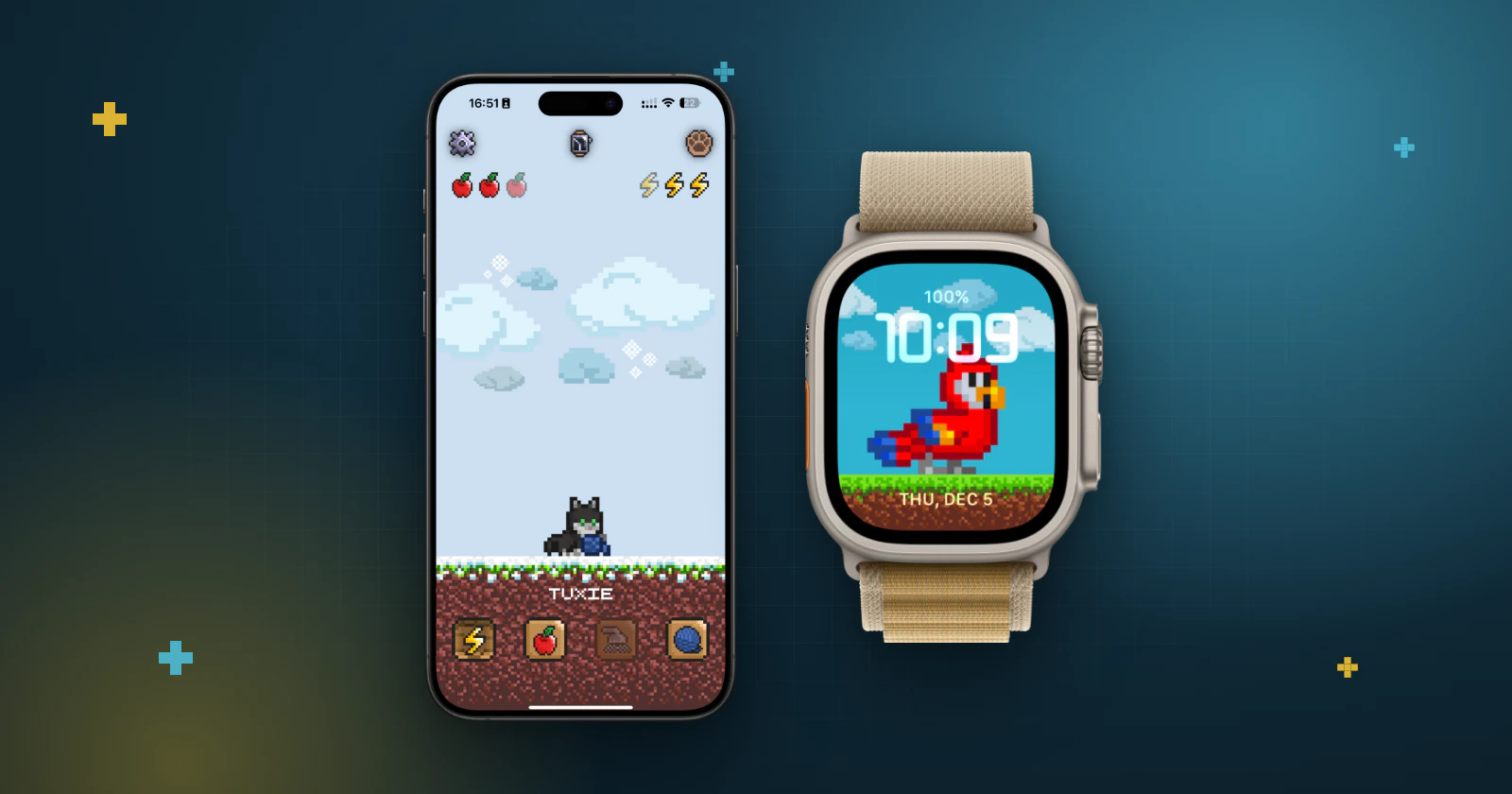
Short answer: Pex is free to download, so the real gift is the pet itself. Sit down with the person, create a pet on their phone from a photo of their dog, a drawing or a favorite toy, and put it on their Home Screen.
A virtual pet is a small, personal gift: it can look like something they already love, and it stays with them on the phone they use every day. Here are a few ideas, how to set it up, and what to check before Christmas morning.
Gift ideas that feel personal
- Their real pet in pixel art: Pex AI turns a photo of their dog, cat or any other animal into a pixel-art pet with six animations. Here's how to turn a pet photo into pixel art.
- A drawing brought to life: a child's drawing from the family, or a sketch of their own. See how to turn a drawing or toy into a virtual pet.
- A favorite toy or keychain: a plush, a figure or the little friend hanging from their bag.
- A ready-made pet: to keep it simple, they can pick one from the Cat, Dog or Wild sections of the animals screen.
Only use images you own or have permission to use.
How to give it, step by step
A Pex is saved to the account of the person who made it, so set it up together on their phone, not on yours.
- Before the day, choose the image. A bright photo that shows the whole pet works best.
- On their phone, install Pex from the App Store or Google Play and open it.
- Open the animals screen and tap the + in the AI section to create the pet, or pick a ready-made one.
- Let them choose the name. That's the moment it becomes theirs.
- Put it where they'll see it: on the iPhone Home Screen or the Android Home Screen.
- For a seasonal touch on iPhone, open settings and choose Winter under Scenario.
Creating a pet with Pex AI uses a generation. You can see how many are available on the Pex AI screen, get more there, or earn a free one by sharing Pex with friends.
What to know before you give it
- Age: Pex is not intended for children under 13, so it's a gift for teens and adults. A younger child's drawing can still become a pet on a parent's phone.
- Their devices: Pex runs on iPhone, iPad, Mac and Android, and on Apple Watch it becomes a watch face.
- Daily care: hunger, happiness, cleanliness and sleep change through the day, so share how to take care of a virtual pet.
- Premium: the optional upgrade unlocks all animals and watch faces, removes ads and adds special widgets and Dynamic Island options, plus eternal life and random actions. It's an in-app purchase that stays with the store account that bought it, so it's best bought on the account that will use it.
Toy or app?
If someone asked for a Tamagotchi toy, the toy is the gift. If it's sold out, or they'd rather not carry another device, a Tamagotchi-style app gives them daily pet care on the phone they already have. Here's how the toy and the app compare.
Giving a new phone or Apple Watch?
If they already have a Pex, Cloud Backup can bring it along: see how to move a virtual pet to a new phone. For a new Apple Watch, add a Pex watch face so the pet is on their wrist from day one.
FAQ
Can I give a virtual pet as a gift?+
Yes. Pex is free to download, so the simplest way is to install it on their phone and create or pick a pet together.
Can I create a pet on my phone and send it to someone?+
A Pex is saved to the iCloud or Google Drive account of the person who made it, so create it on their phone, signed in to their own account.
Can I buy Premium for someone else?+
Premium is an in-app purchase that stays with the App Store or Google Play account that bought it, so it's best bought on the account that will use it.
What age is Pex for?+
Pex is not intended for children under 13.
Is Pex free?+
Yes. Pex is free to download on the App Store and Google Play. An optional Premium upgrade unlocks extra features.
Is Pex made by the makers of Tamagotchi?+
No. Pex is an independent Tamagotchi-style virtual pet app for iPhone, iPad, Mac, Apple Watch and Android. It is not made by Bandai.
Tamagotchi is a trademark of Bandai. Pex is an independent app and is not affiliated with or endorsed by Bandai.