 PEX
Your personalized
AI Tamagotchi
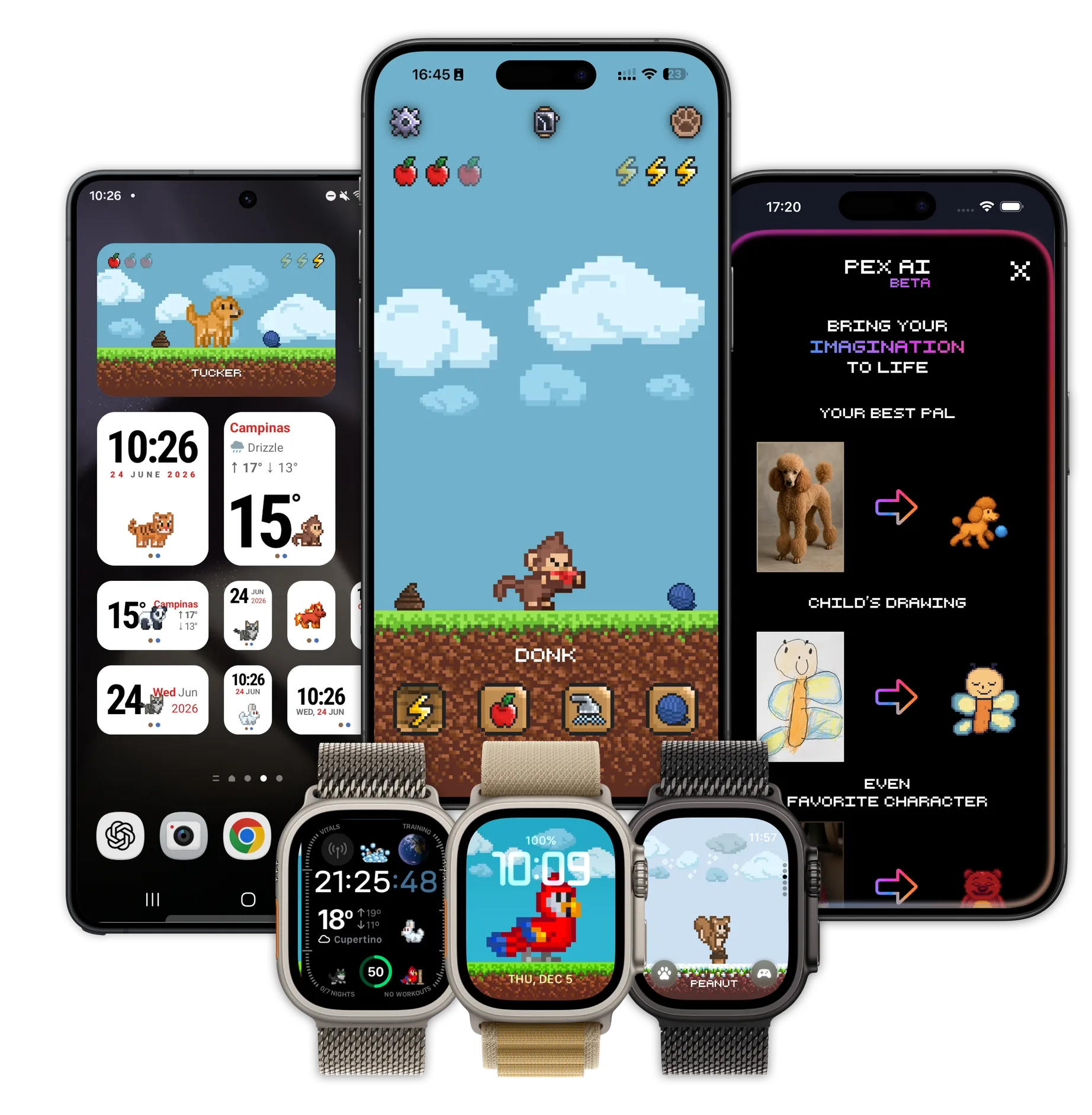
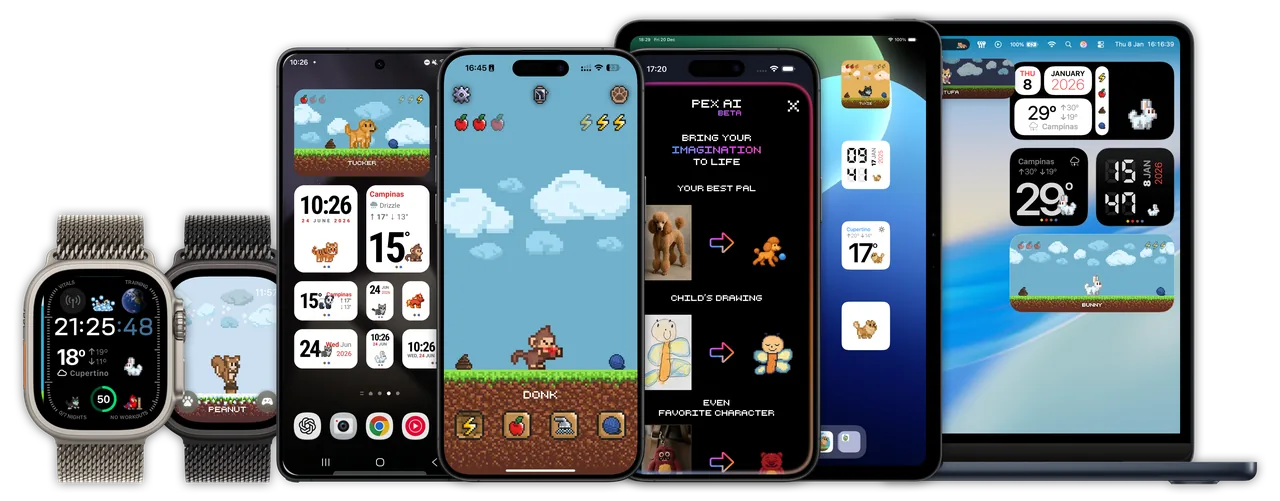
Pex lives right on your phone, widget, Apple Watch, iPad, MacBook... everywhere! Feed it, play with it, and watch it grow.
Bring your imagination to life
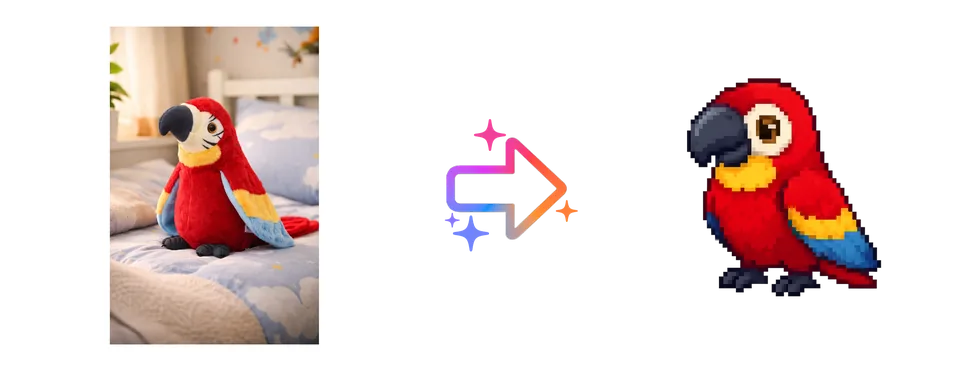
With Pex AI you can create your own personalized pet from a photo, a drawing, even a keychain. Your imagination is the limit.

Made by AI
Imagined by you
Everything your pet needs, right on your Home Screen
Pex blends real pet-care mechanics with generative AI, so every companion feels like it's genuinely yours.
Design your Pex with AI
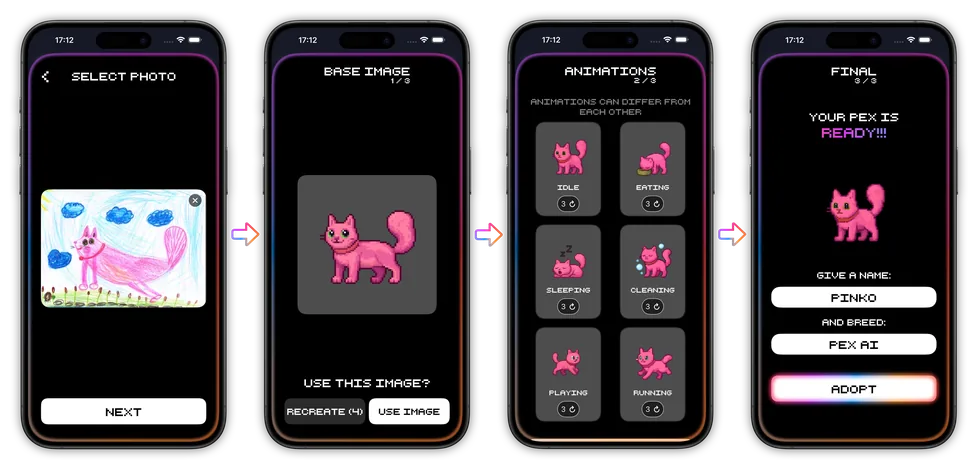
Upload a photo of your real pet, a child's drawing, or a favorite character — Pex turns it into a one-of-a-kind pixel-art companion.
Feed, play & care
Real needs that evolve throughout the day — hunger, happiness, cleanliness and sleep. Neglect it, and your Pex will let you know.
Home Screen widgets
Keep your Pex visible all day with Home Screen and Lock Screen widgets, and glanceable Dynamic Island moments.
Apple Watch companion
Bring your Pex to your wrist as a watch face, so your companion is with you wherever you go.
Six unique animations
Idle, eating, sleeping, cleaning, playing and running — every Pex reacts to how you take care of it.
Cloud backup
With Cloud Backup on, your Pex and its progress are saved to iCloud on Apple devices or to Google Drive on Android, so you never lose the companion you've grown to love.
Guides and tips for your virtual pet
The latest posts from the Pex blog, plus short guides on what Pex is and where your pet lives.
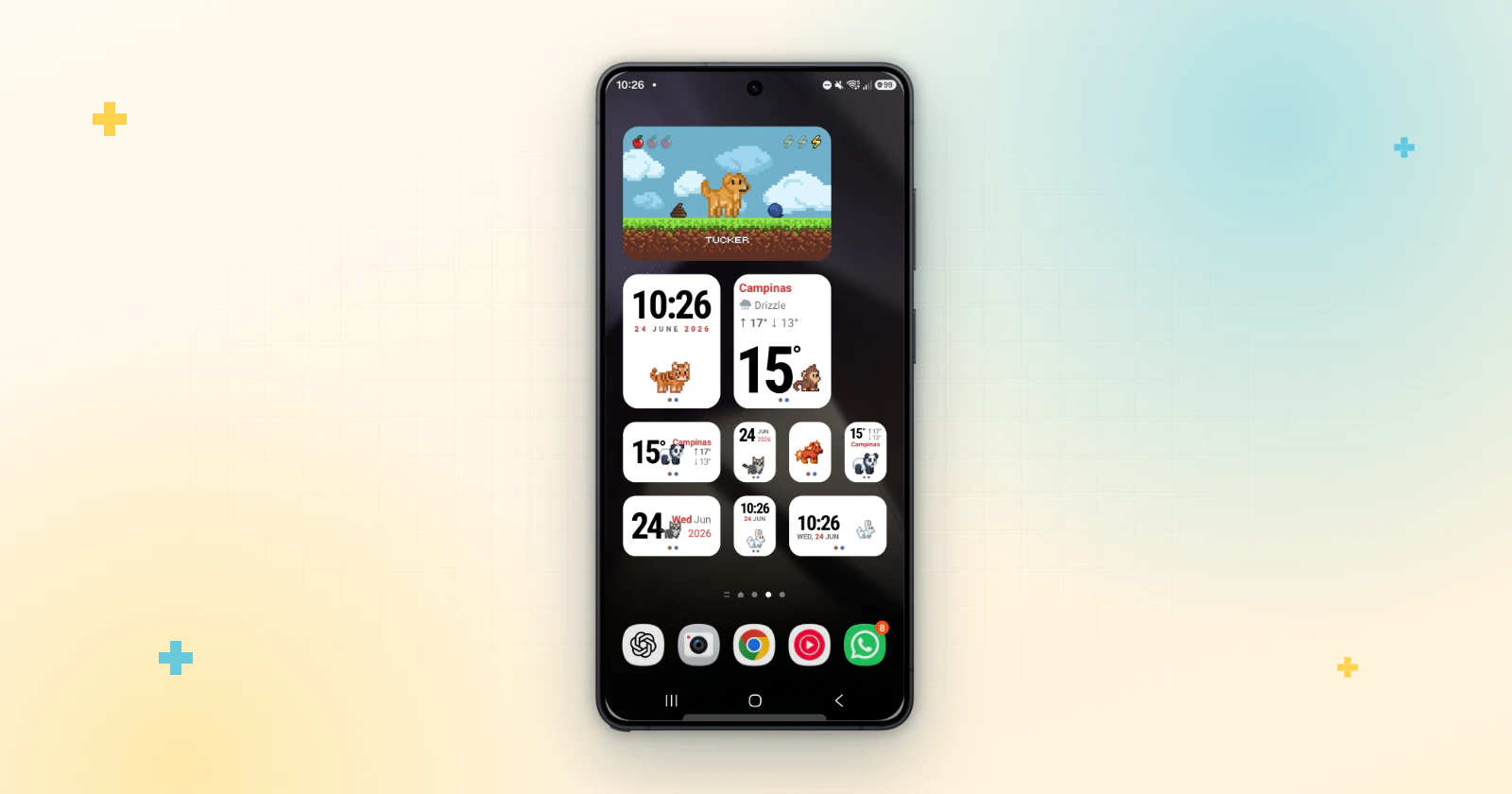
How to Add a Virtual Pet Widget to Your Android Home Screen
Step by step: add a Tamagotchi-style virtual pet widget to your Android Home Screen with Pex, free on Google Play. Plus clock, date, weather and portrait widgets.
Read the guide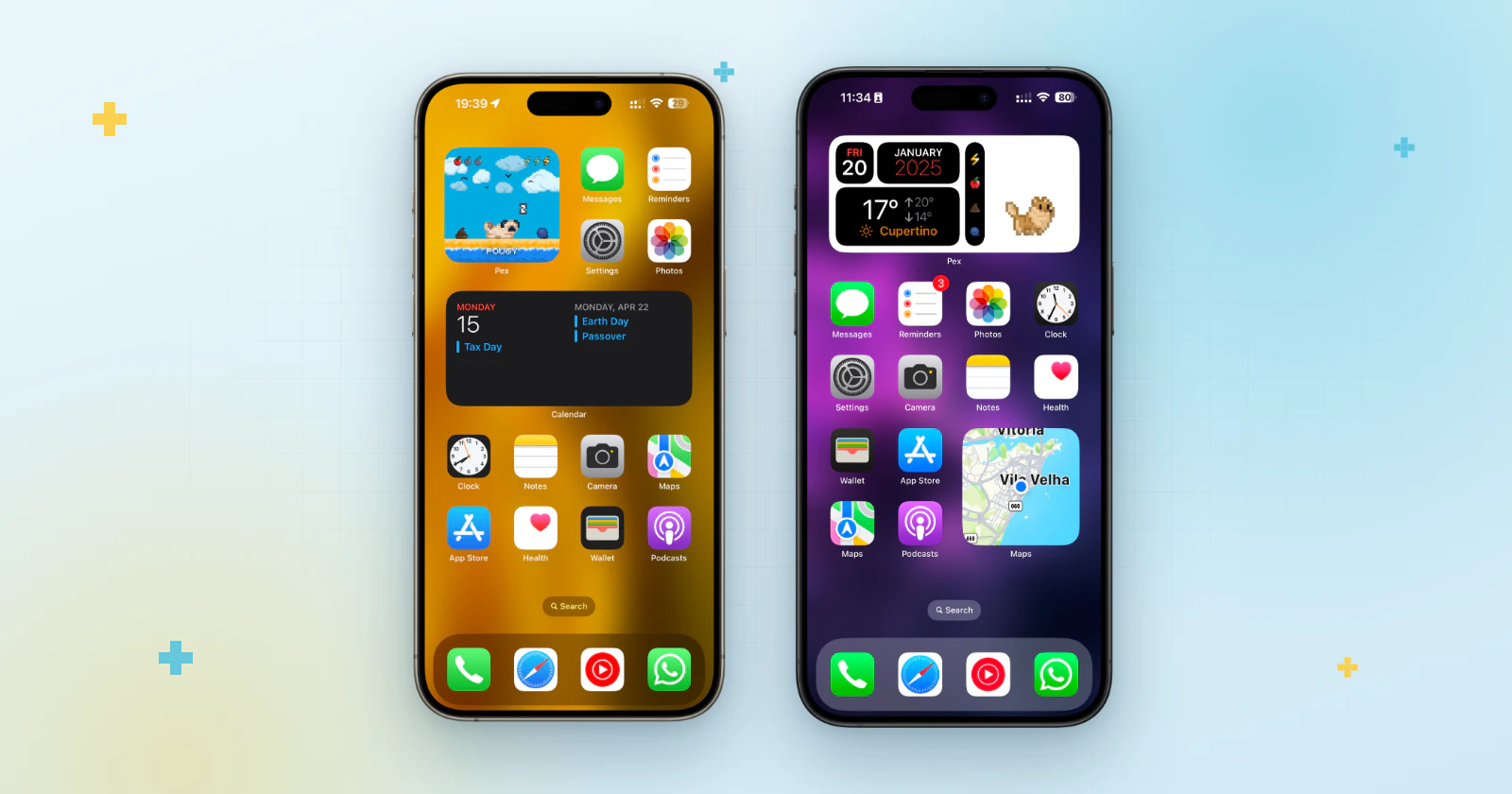
How to Add a Virtual Pet Widget to Your iPhone Home Screen
Step by step: add a Tamagotchi-style virtual pet widget to your iPhone Home Screen with Pex, free. Plus Android widgets and Apple Watch.
Read the guide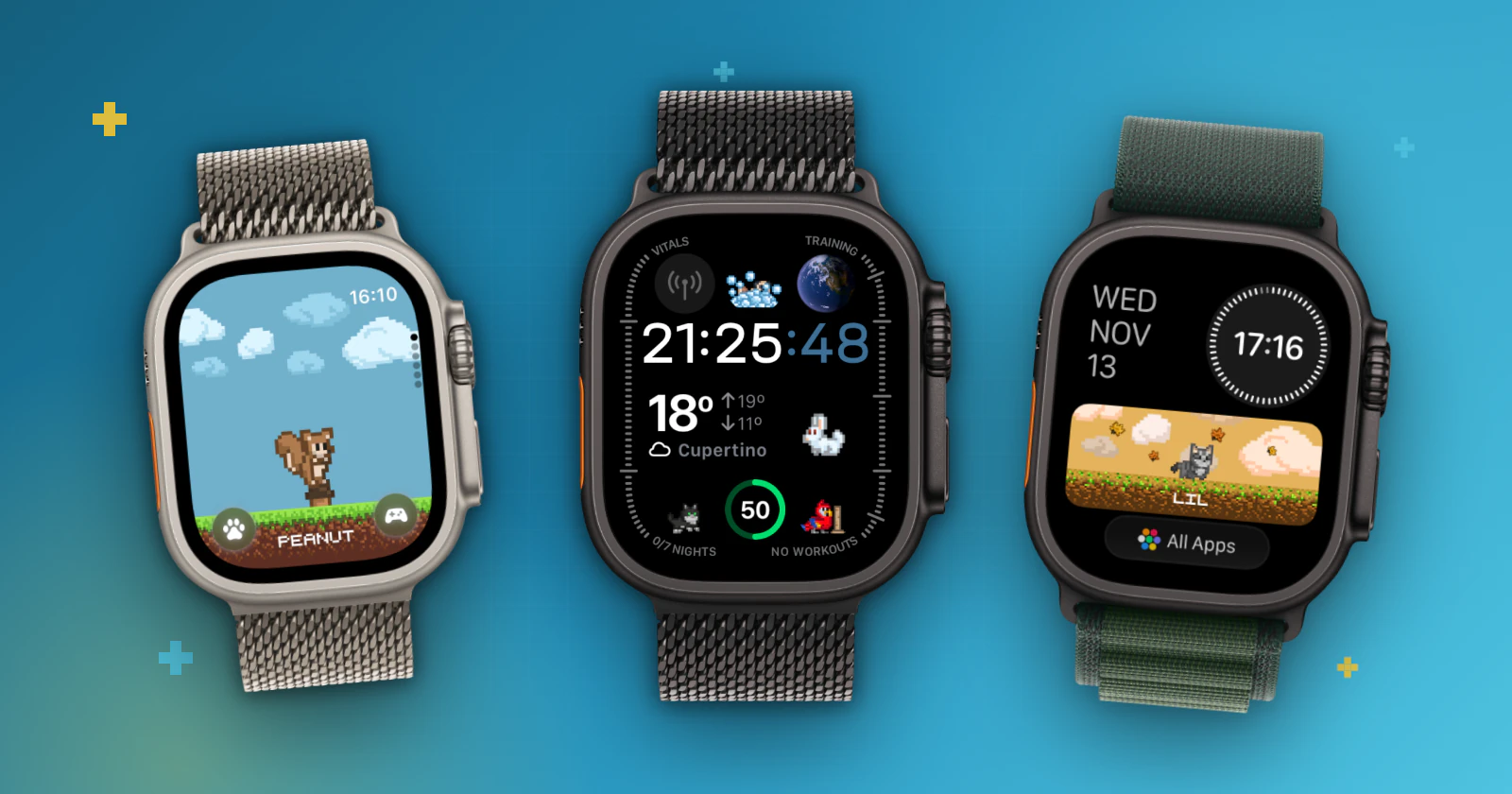
Tamagotchi on Apple Watch: 3 Ways to Add a Virtual Pet
Yes, you can keep a Tamagotchi-style pet on Apple Watch. Add Pex as a complication, in the Smart Stack or as a watch app, free and in a few taps.
Read the guide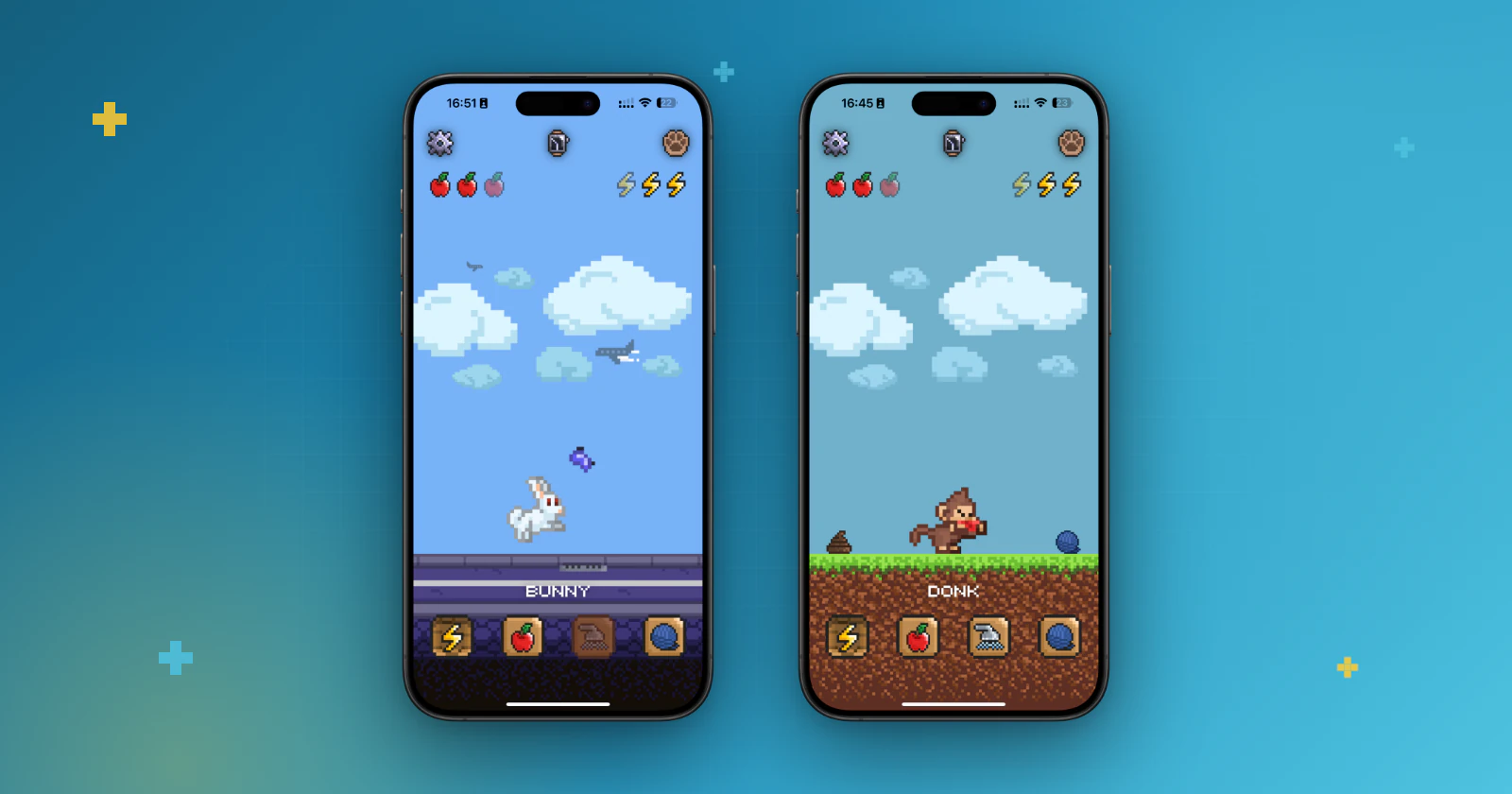
How to Move Your Virtual Pet to a New Phone Without Losing It
Changing phones? Here's how to transfer your virtual pet with Cloud Backup in Pex: iCloud on iPhone, Google Drive on Android, what to check first and how to get it back.
Read the guideA virtual pet app you create with AI
What Pex is, how a Tamagotchi-style pet works and how to make yours from a photo.
Read the guideA virtual pet on your Apple Watch
How Pex puts a Tamagotchi-style pet on your wrist as a watch face.
Read the guideFrequently asked questions
Quick answers about Pex, the AI virtual pet for your Home Screen.
What is Pex?+
Pex is a virtual pet app (Tamagotchi-style) for iPhone, iPad, Mac, Apple Watch and Android. You create a pixel-art pet with AI, then feed it, play with it and care for it while it lives on your Home Screen and Lock Screen widgets.
Is Pex free?+
Yes. Pex is free to download on the App Store and Google Play. An optional Premium upgrade unlocks extra features.
How do I create a pet with AI?+
Pick a photo of your real pet, a drawing, a toy or even a keychain. Pex AI turns it into a pixel-art pet, you choose its animations, and then you adopt it.
Which devices does Pex work on?+
Pex runs on iPhone, iPad, Mac and Android. On Apple Watch it becomes a watch face, and on iPhone it lives in Home Screen and Lock Screen widgets.
Will I lose my pet if I change phones?+
No. With Cloud Backup on, your Pex and its progress are saved to iCloud on Apple devices (sign in with the same Apple ID) or to Google Drive on Android (sign in with the same Google account), so they come back on your new phone.
Last updated: October 10, 2026
Adopt your Pex today
Free to download on iPhone and Android — your new companion is waiting.