 PEX
How to Add Pex Watch Faces to Your Apple Watch
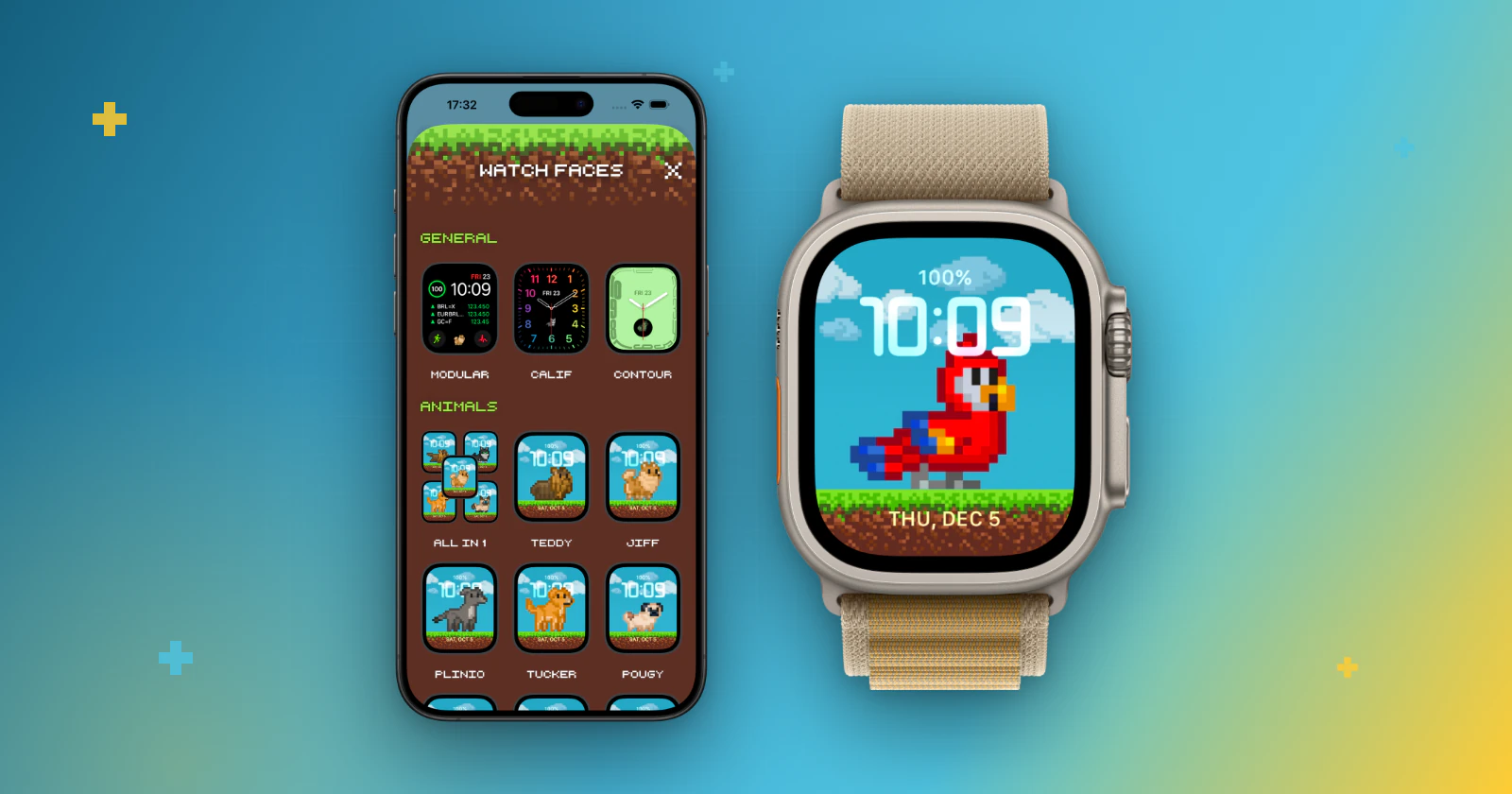
Short answer: open Pex on your iPhone, tap the watch button on the main screen, choose a watch face and tap the add button. Confirm in the window that appears, and the face is sent to your Apple Watch.
Besides complications, Pex has a collection of ready-made watch faces built around your pet. They are added one by one from the Pex app on your iPhone, and then they work like any other face on your Apple Watch.
What you need
- An Apple Watch paired with your iPhone, with watchOS 10 or later.
- Pex installed on your iPhone and your Apple Watch.
Add a Pex watch face
- Open Pex on your iPhone.
- On the main screen, tap the watch button to open watch faces.
- Browse the sections: general, animals and all in 1.
- Tap the face you like to see its preview.
- Tap the add button and confirm in the window that appears.
Some faces are part of Premium or of an animal you can buy in the app. Those show a lock until they are unlocked.
Use the face on your watch
The new face is saved with your other faces. On the watch, touch and hold the current face and swipe to the Pex face, or open the Watch app on your iPhone, go to My Faces and set it as your current face.
If something goes wrong
- "You need an Apple Watch paired to use it": pair your Apple Watch with this iPhone first.
- The face is not available for your watch: some faces need watchOS 10 or later or a specific watch model. Update your watch and try another face.
- Still stuck? Visit Support or write to pexapplication@gmail.com.
Prefer to keep your current face? Add Pex as a complication or to the Smart Stack instead.
FAQ
How do I get the Pex watch faces?+
Open Pex on your iPhone, tap the watch button on the main screen, choose a face and tap the add button. Confirm, and the face is added to your Apple Watch.
Can I add all the faces at once?+
No. Apple Watch faces are added one at a time, so repeat the steps for each face you want.
Which Apple Watch do I need?+
An Apple Watch with watchOS 10 or later, paired with your iPhone.